AI backend development without rebuilding setup
AI-assisted backend work is most useful when coding agents extend a known system. Rebuilding authentication, file handling, validation, and security configuration in every project adds review work before product-specific development begins.
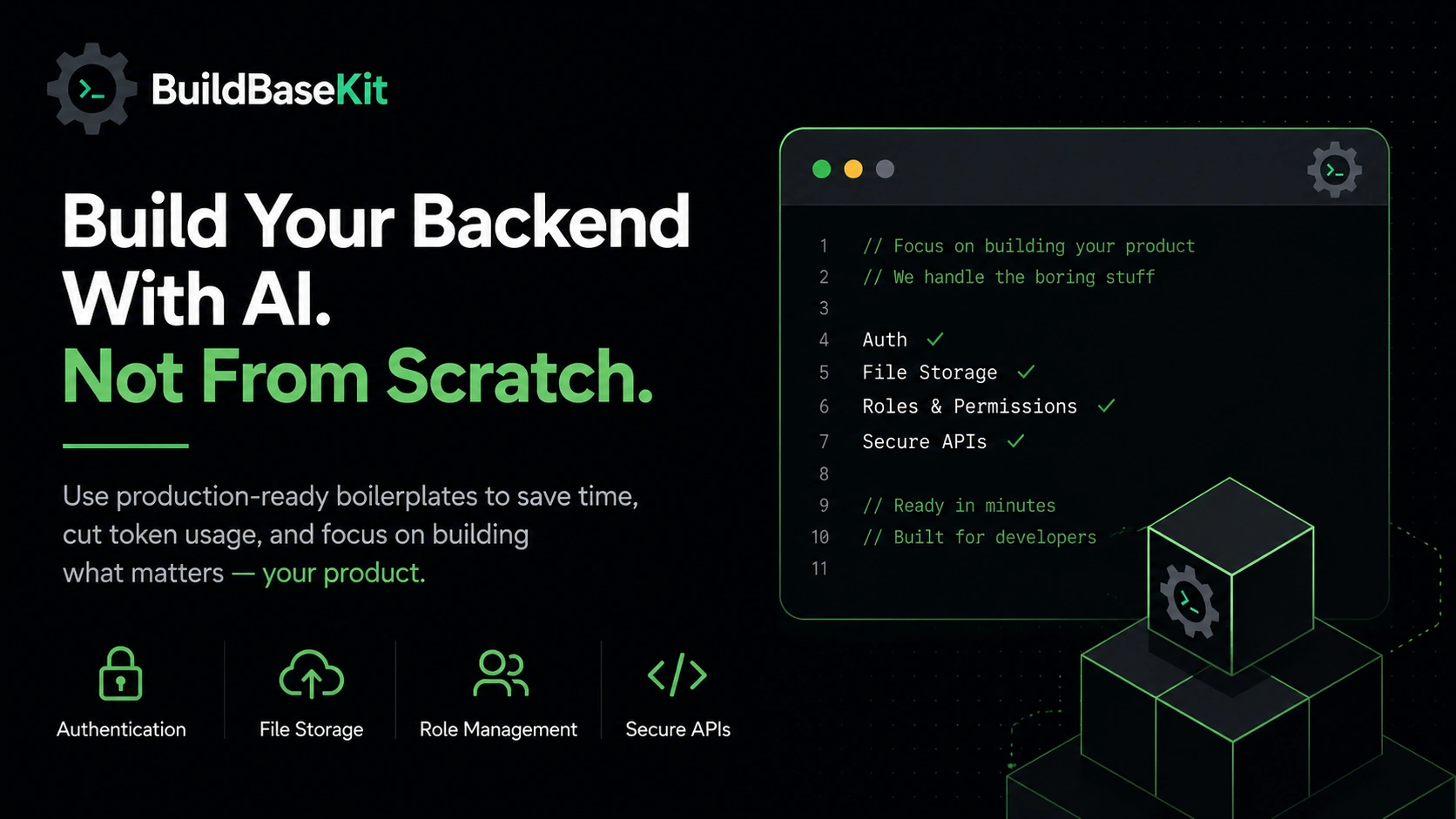
Most backend products need the same foundation before the real product work begins.
- authentication
- JWT access and refresh tokens
- role-based access control
- file upload and download APIs
- request validation
- exception handling
- security configuration
- testable service structure
These pieces matter, but they are rarely the feature your users are paying for.
When AI keeps rebuilding that foundation from scratch, you spend more time reviewing generated setup than building the thing that makes your product useful.
Why AI-generated backend setup gets messy
Coding agents can produce code quickly, but backend infrastructure depends on security, data, configuration, and architecture decisions that must remain consistent across the repository.
If you ask for authentication in one prompt, file upload in another, and role permissions later, the generated code can drift.
- project structure changes between iterations
- security rules become harder to reason about
- DTOs, services, and repositories are named inconsistently
- generated code conflicts with earlier generated code
- tests become harder because the architecture keeps shifting
- every correction adds more prompt context and token usage
The problem is not code generation itself.
The problem is asking a coding agent to repeatedly invent infrastructure instead of extending explicit, reviewed boundaries.
What your backend foundation should already solve
A useful backend boilerplate should remove the repetitive setup that almost every product needs.
- registration and login flows
- JWT token handling
- refresh token support
- role-based route protection
- secure file upload APIs
- safe file downloads
- validation patterns
- layered controller, service, and repository structure
- clear exception handling
- test-friendly code organization
Once those pieces are stable, AI has a much better base to work with.
A better AI backend workflow
Step 1: start with a backend boilerplate
Do not begin with an empty project unless the goal is to learn the setup itself.
For product development, start with a backend foundation that already has the common infrastructure in place.
For example:
- AuthKit-Lite for authentication workflows
- FiloraFS for file storage and upload workflows
Step 2: verify the foundation first
Run the project before adding new features.
Confirm that the base flows work:
- login and registration
- protected routes
- role checks
- file upload and download
- basic tests
This gives AI a stable system to extend instead of a moving target to rebuild.
Step 3: use AI for product features
Avoid prompts like this:
"Build JWT authentication in Spring Boot with refresh tokens, role permissions, validation, and file upload integration."
Use smaller prompts tied to the existing app:
"Add organization invite API using the existing auth flow."
"Create a billing service using the current controller and service structure."
"Add admin-only file approval using the existing role checks."
These prompts are easier for AI to follow because the structure already exists.
Step 4: test product behavior, not generated setup
When the infrastructure is already stable, tests can focus on the feature you actually added.
That is a cleaner workflow than debugging authentication, security config, storage paths, and product logic at the same time.
Why this reduces AI token usage
Token usage grows when you repeatedly explain architecture, security rules, authentication behavior, and file storage requirements in every prompt.
Large setup prompts also create large review work.
Compare this:
"Build secure JWT authentication with refresh token support, role permissions, validation, exception handling, and file upload integration."
With this:
"Add team invite endpoint using the existing authentication."
The second prompt is smaller, more specific, and easier to review. Actual token use and cost still depend on the tool, repository context, and task.
AI works better with project context
Blank-project prompting forces AI to invent everything at once.
It has to choose package structure, security rules, naming patterns, service boundaries, exception handling, and API design before it can even reach your product feature.
A real codebase gives AI constraints. That is a good thing. It means AI can follow patterns instead of creating new ones every time.
Productive AI backend development is not about generating more code. It is about generating the right code inside a stable system.
A predictable Spring Boot structure helps
AI performs better when the backend structure is easy to understand.
src/
├── controller/
├── service/
├── security/
├── model/
├── repository/
When controllers, services, security classes, models, and repositories have clear ownership, AI can add features without scattering logic across the project.
Common mistakes to avoid
- using AI to regenerate authentication for every product
- asking for file upload logic before storage rules are clear
- mixing product logic with security setup
- accepting generated security config without review
- writing huge prompts that describe solved infrastructure
- spending tokens on setup instead of feature behavior
Build products, not setup
Your users do not care how many prompts it took to generate authentication.
They care whether the product solves their problem.
If AI spends most of its time creating backend plumbing, the workflow is backwards.
Use boilerplates for the repeated foundation.
Use AI for the parts that make your product different.